

Daily Automated Sync
Daily automated sync functionality is available for all ALM tools and certain scanners.
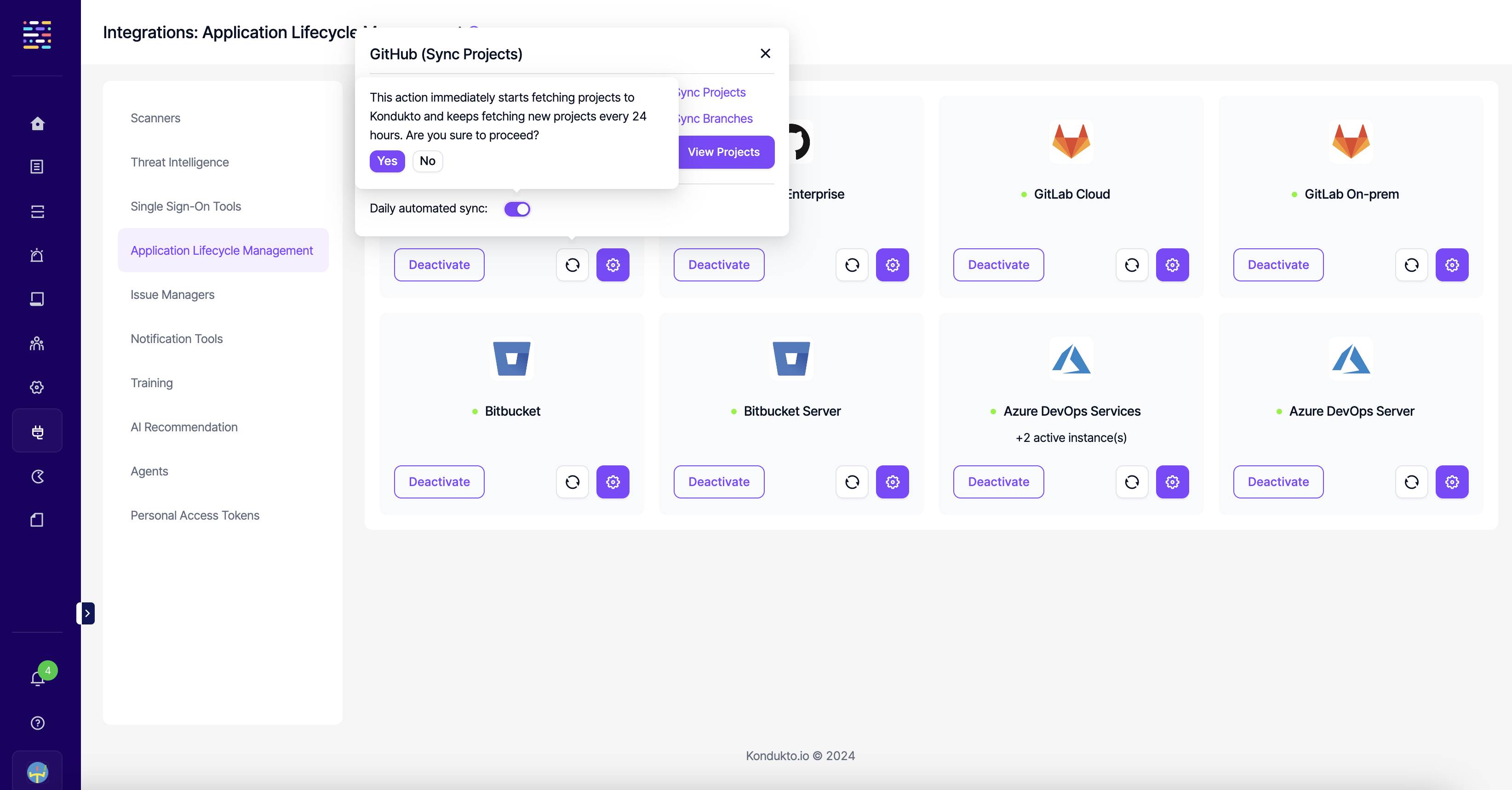
When the toggle is enabled, Invicti ASPM checks for repositories (for ALM tools) and projects (for scanners) not yet onboarded to Invicti ASPM and adds them as projects on a daily basis.
How it works
The daily automated sync process:
- Reviews integrated tools: Scans connected ALM tools and scanners for new content
- Identifies new items: Finds repositories and projects that haven't been onboarded yet
- Creates projects automatically: Adds new items to Invicti AppSec as projects
- Assigns default settings: Sets up projects with standard configurations
Default project settings
Projects created by Invicti AppSec through daily automated sync are assigned to the default team and no product. You can modify these assignments after creation.
Supported integrations
Daily automated sync is available for:
- ALM tools: All supported Application Lifecycle Management tools
- Selected scanners: Certain security scanning tools that support project discovery
To enable daily automated sync, configure it in the integration settings for your specific ALM tool or scanner.
Updated 6 months ago
Did this page help you?