

Veracode SCA
Veracode SCA (formerly Sourceclear) scans open-source dependencies in your application repositories to identify known vulnerabilities and outdated libraries. In Invicti ASPM, Veracode SCA is an import-based integration — scan results are generated by the Veracode SCA CLI (srcclr) and then imported into Invicti ASPM.
Important: Veracode SCA is an import-based scanner. No connection credentials are required in Invicti ASPM. Scans are run locally using the Veracode SCA CLI (
srcclr), and the resulting JSON report is imported into Invicti ASPM.
Prerequisites
| Requirement | Description |
|---|---|
Veracode SCA CLI (srcclr) | Install the Veracode SCA CLI on your build server or developer machine |
| Veracode SCA Agent Token | Required by the srcclr CLI to authenticate with the Veracode SCA service |
| JSON Export | Generate a JSON report using srcclr and import it into Invicti ASPM |
How to Get a Veracode SCA Agent Token (on Veracode Side)
- Log in to the Veracode Platform.
- Navigate to Veracode SCA > Agents.
- Click Create Agent or select an existing agent.
- Copy the Agent Token from the agent details page.
Note: The Agent Token is used only by the
srcclrCLI — it is not entered in Invicti ASPM.
Step 1: Navigate to Integrations
From the left sidebar menu, click on Integrations.
Step 2: Select the SCA Tab
On the Integrations > Scanners page, click on the SCA tab.
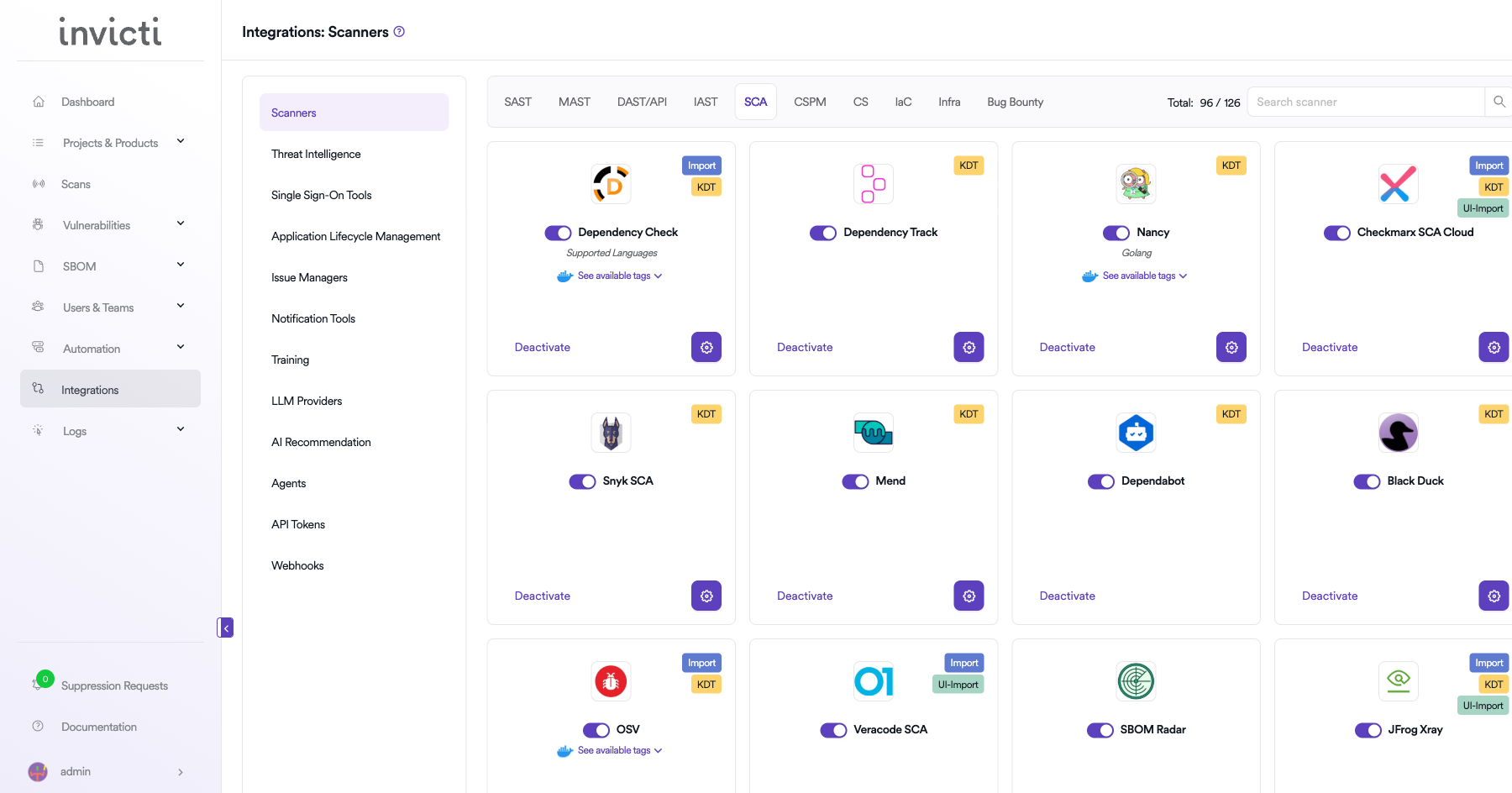
Step 3: Find and Activate Veracode SCA
Scroll through the list of SCA scanners to find Veracode SCA.
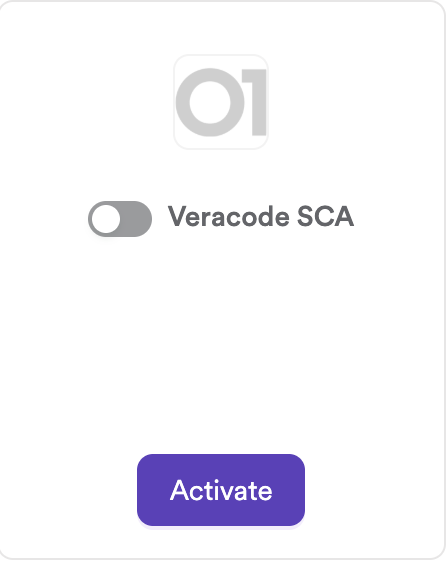
- If Veracode SCA is not activated, click the Activate button to enable the integration.
Note: The scan method badge on the Veracode SCA card is Import. No connection settings are required.
Step 4: Import Scan Results
Run the srcclr CLI scan and import the output file via KDT:
# Run Veracode SCA scan and generate JSON
SRCCLR_API_TOKEN=<your-agent-token> srcclr scan --json > results.json

# Import the results using KDT
kdt scan -p <project_name> -t veracodesca -b <branch_name> --file results.json
Summary
| Step | Action |
|---|---|
| 1 | Navigate to Integrations from the sidebar |
| 2 | Select the SCA tab |
| 3 | Activate Veracode SCA |
| 4 | Run srcclr CLI and import the JSON report via KDT |
How to Create a Scan
KDT Command
kdt scan -p <project_name> -t veracodesca -b <branch_name>Generating the JSON Report with Veracode SCA CLI
Installation
curl -sSL https://download.sourceclear.com/install | shRunning a Scan
# Set your agent token
export SRCCLR_API_TOKEN=<your-agent-token>

# Scan a project directory and export JSON
cd /path/to/your/project
srcclr scan --json > results.json
The results.json file is the report file to import into Invicti ASPM.
Troubleshooting
Import Issues
| Issue | Resolution |
|---|---|
| Invalid JSON format | Ensure the file was generated by srcclr scan --json. Other formats are not supported. |
| Empty results after import | The project may have no open-source dependencies, or all detected vulnerabilities are below the severity threshold. |
| Import fails with parse error | The JSON file may be corrupted or truncated. Re-run the srcclr scan and regenerate the report. |
| Duplicate findings | If the same report is imported multiple times, Invicti ASPM deduplicates based on vulnerability hashes. |
Scan Issues
| Issue | Resolution |
|---|---|
srcclr fails to authenticate | Verify the SRCCLR_API_TOKEN environment variable is set correctly with a valid agent token. |
| No dependencies found | Ensure the project has a supported package manager manifest (e.g., pom.xml, package.json, requirements.txt). |
| Unsupported language | Check the Veracode SCA supported languages list for coverage details. |
Best Practices
- Integrate the
srcclr scanstep into your CI/CD pipeline to generate fresh scan results on every build. - Use a dedicated Veracode SCA agent token per environment (development, staging, production).
- Store the agent token in your CI/CD secrets manager rather than hardcoding it in pipeline scripts.
- Always use the
--jsonflag to generate the machine-readable report format compatible with Invicti ASPM import. - Periodically check for updates to the
srcclrCLI to ensure compatibility with the latest dependency manifests.
Limitations
- Veracode SCA in Invicti ASPM is import-only — no live API connection is established, and scans cannot be triggered from Invicti ASPM.
- Only the JSON output format from
srcclr scan --jsonis supported; CSV or HTML exports are not importable. - Reachability analysis and method-level vulnerability data from Veracode SCA are not currently surfaced in Invicti ASPM findings.
- The integration does not automatically pull new scan results from the Veracode Platform; each import is a manual or CI/CD-triggered action.
Updated 6 months ago