

Wiz Integration
To integrate Invicti ASPM with Wiz, the following API scopes are required:
- create:reports
- read:reports
- read:projects
- read:cloud_configuration
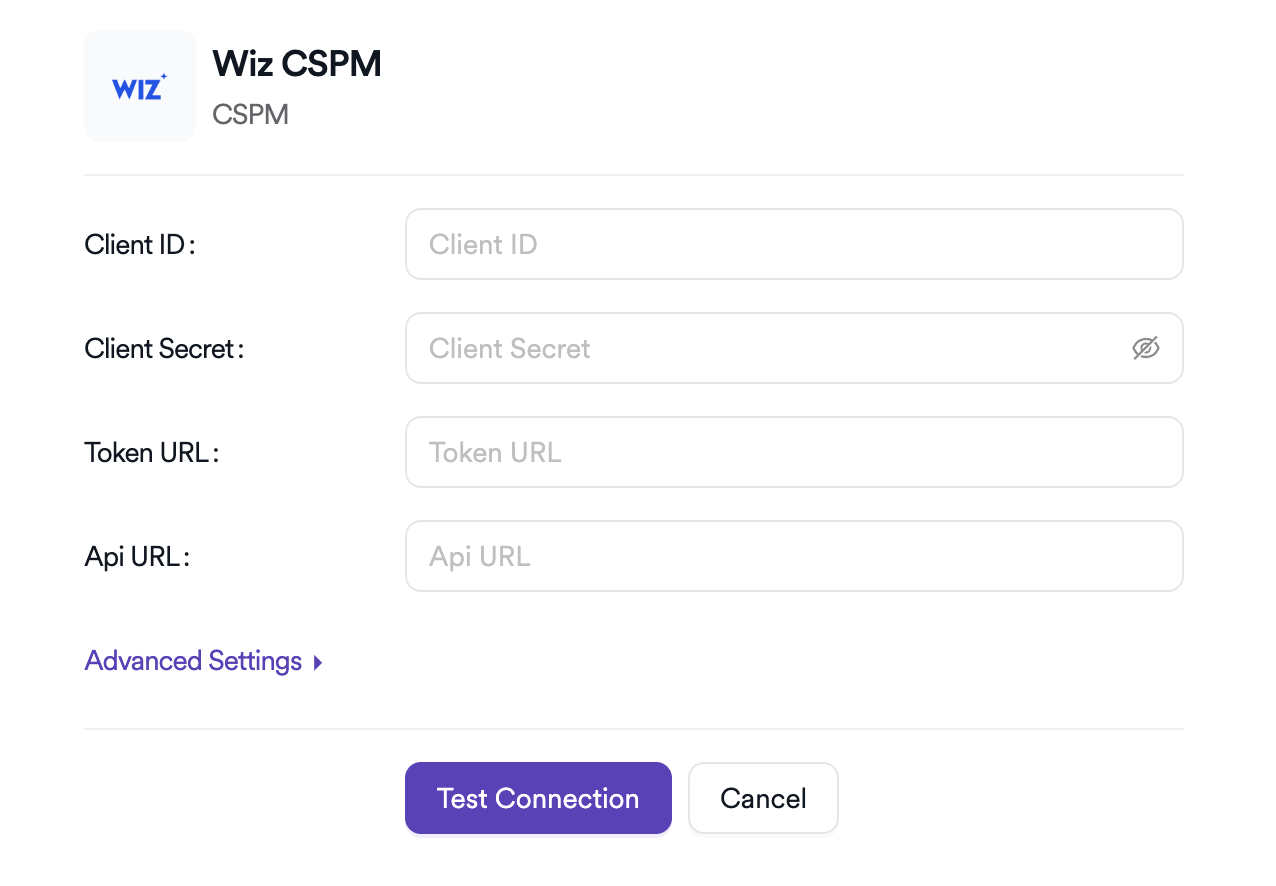
Additionally, the Client ID and Client Secret values should be recorded, along with the API URL used for the integration. Afterward, the process can be continued through the Invicti ASPM UI.
Vulnerability Management
To manage vulnerabilities, navigate to the Settings page of the project where vulnerabilities will be added, then proceed to the Scanners tab. On this page, a scan parameter can be created by selecting the CSPM option and choosing Wiz.
On the Wiz side, Invicti ASPM generates a report every day at midnight and imports all vulnerabilities from this report into the system in the background. A scan parameter cannot be created until the Daily Sync process is completed.
If the “Daily Sync Not Completed” warning is still displayed while creating a scan parameter even after a long period following integration completion (which may take several hours depending on data volume), please create a support ticket at Invicti Help Center
Once the Daily Sync is completed, vulnerability filters can be added to the scan parameter by selecting Add Cloud Filter. A vulnerability limitation applies at this stage. The scan parameter can be saved successfully when the number of findings matching the selected filters falls below the 20,000 threshold. The corresponding finding count is displayed instantly in the UI. After saving, vulnerabilities will be assign to the project automatically.
As Daily Sync continues, vulnerabilities are updated automatically day by day.
Updated 6 months ago