

Trivy Integration
Trivy can be activated with a single click, similar to other open-source scanners. However, additional configuration is required to ensure compatibility with custom registries.
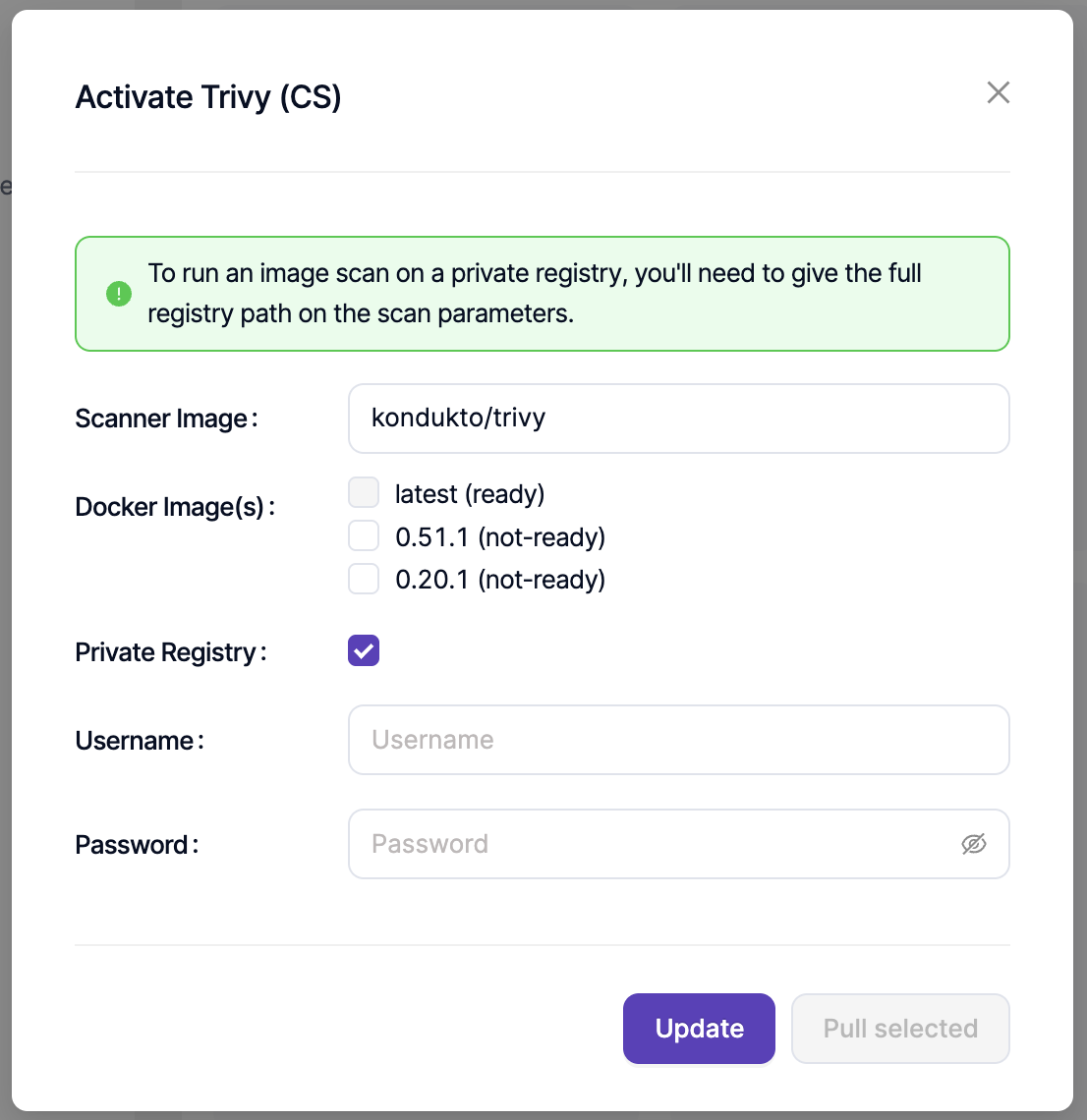
Public Registry Configuration
All public registries can be added and scanned directly. Invicti ASPM performs the required image pull operations and executes the scans automatically. Specific public images such as redis:latest or ubuntu:latest can also be scanned directly.
Private Registry Configuration
For private or custom registries, the required username and password can be defined on the Trivy Integration page. The same credentials can also be configured at the Scan Parameter level. When defined at the scan level, these values override the global registry configuration.
The provided credentials must support Basic Authentication. Credentials that rely on SSO-based authentication may cause login failures. For troubleshooting, review the Failed Reason field of the related scan.
Updated 7 months ago